


Install as app
Faster access like an app
Install Pinlog as a Progressive Web App (PWA) directly via your browser – no app store needed.
Install Pinlog as app
As a PWA directly via your browser
The map just the way you like it: new map settings
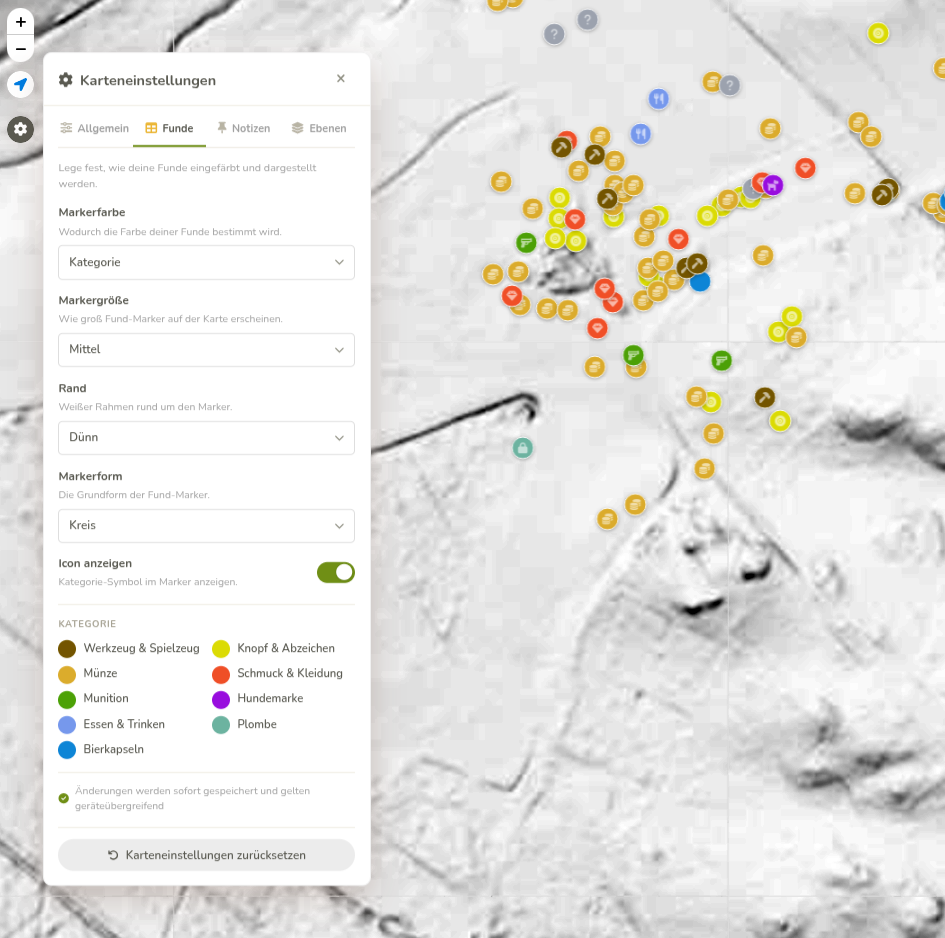
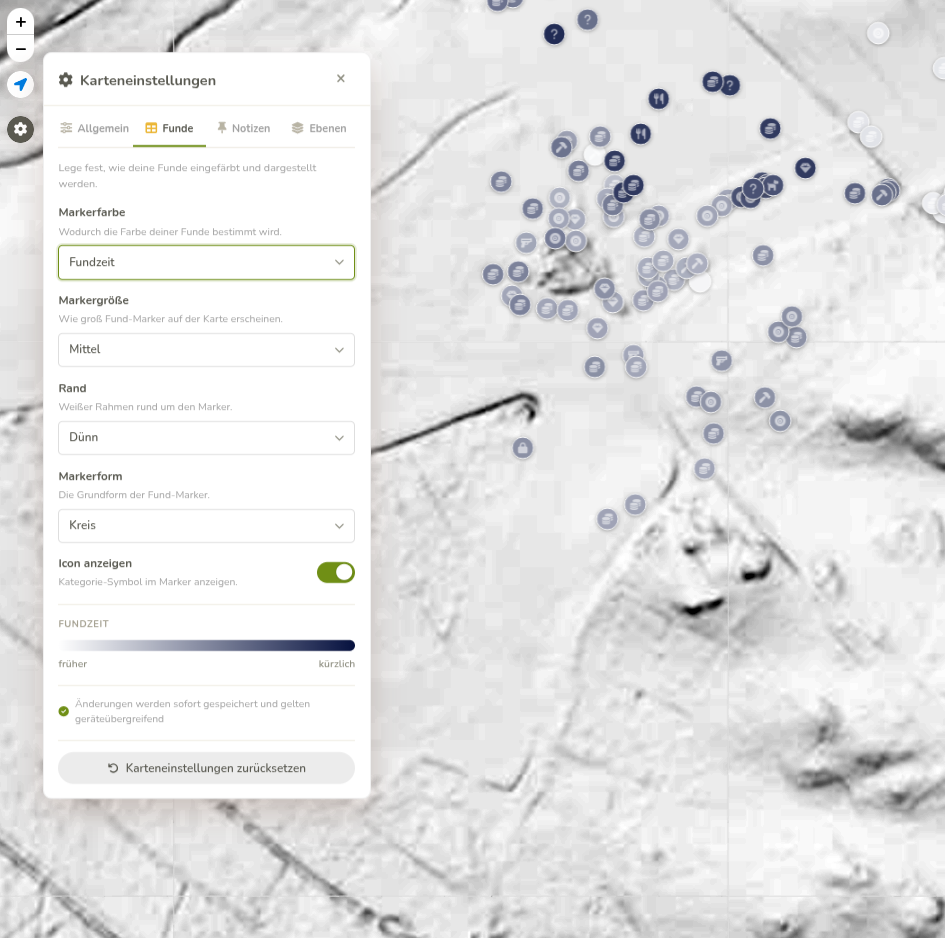
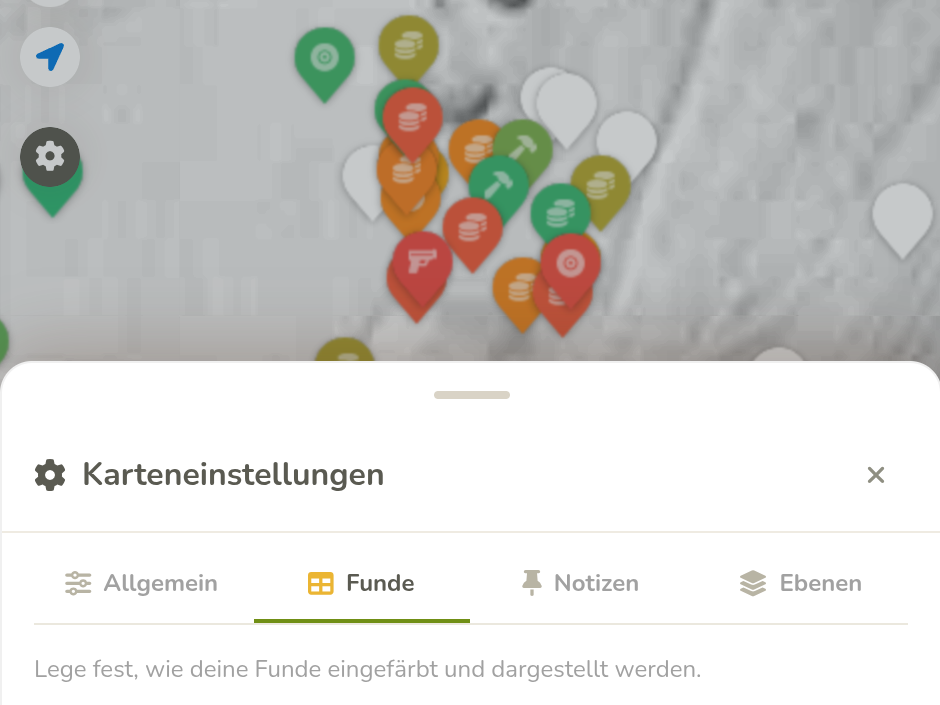
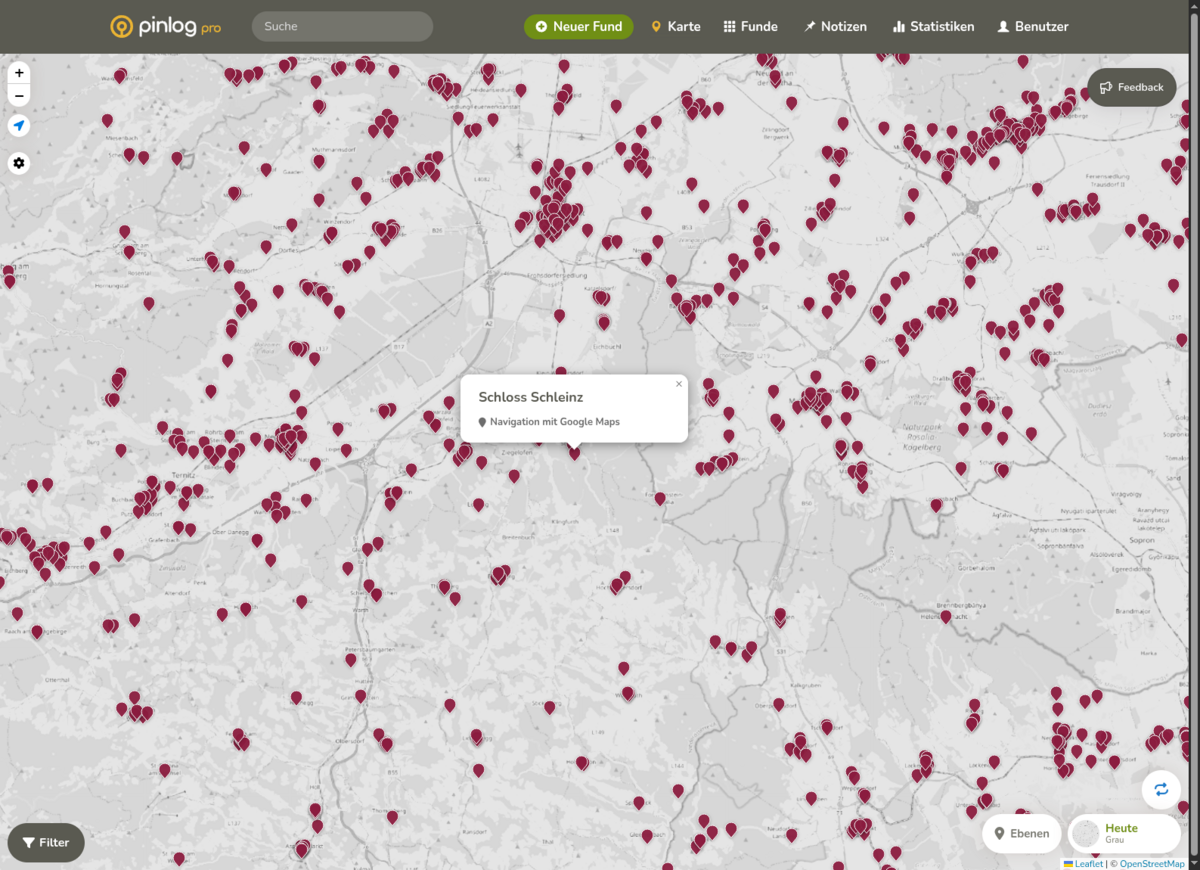
Until now, you could only see your finds, notes and layers on the map in one fixed look that was the same for everyone? Not any more. A new gear icon directly on the map lets you decide yourself how your markers are displayed.
For finds, notes and layers you can choose their own sizes, shapes and borders – and decide whether a category icon is shown inside the marker. For finds you can also choose what the colour is based on, for example age, time of find or conductivity. A new legend shows you right away what each colour means.
You can also set how strongly markers close to each other are grouped into clusters. All changes are saved automatically and apply across all your devices – one click on “Reset map settings” brings back the default view at any time.
Further improvements
- More consistent panels: menus and settings panels on the map (layers, map settings, selection lists) now open consistently and noticeably more smoothly – on desktop and on mobile.
- Easier to use on mobile: the drag handle of the panels now has more space to the top edge and is easier to grab.
- No more scrollbar in the layer menu: long layer descriptions and source credits now wrap cleanly instead of creating a horizontal scrollbar.
- Faster loading times: pages load noticeably faster