


Install as app
Faster access like an app
Install Pinlog as a Progressive Web App (PWA) directly via your browser – no app store needed.
Install Pinlog as app
As a PWA directly via your browser
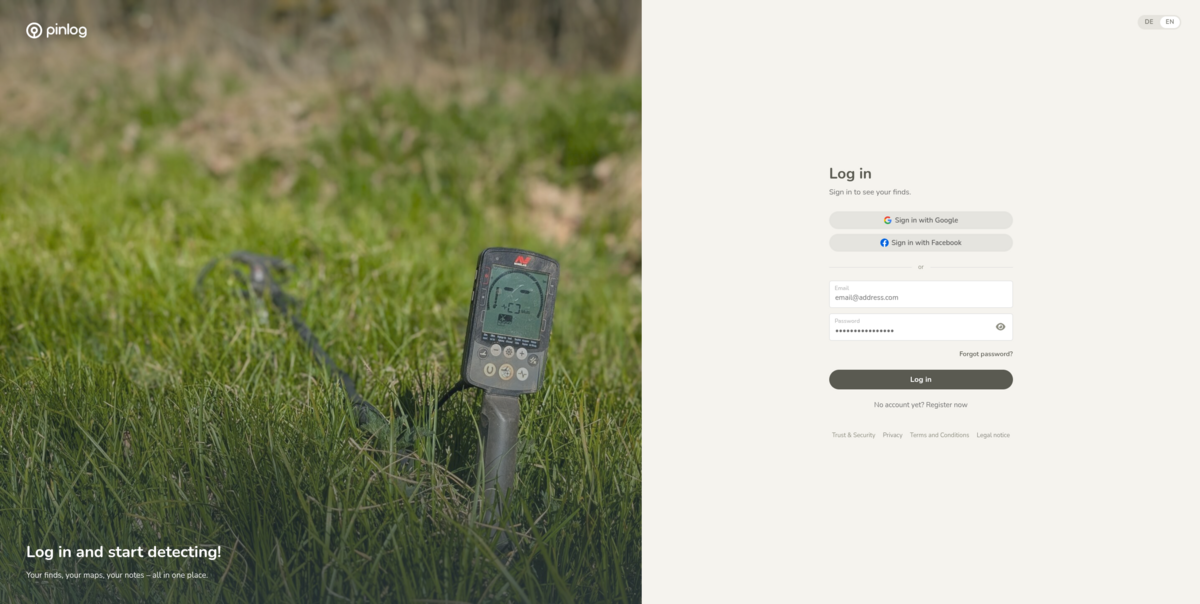
Hello English! Pinlog now in English
Until now Pinlog was German only. From now on, Pinlog is fully available in English. This means detectorists who don't speak German can now log their finds with Pinlog too. Pinlog automatically detects your browser language. You can switch anytime in your profile.
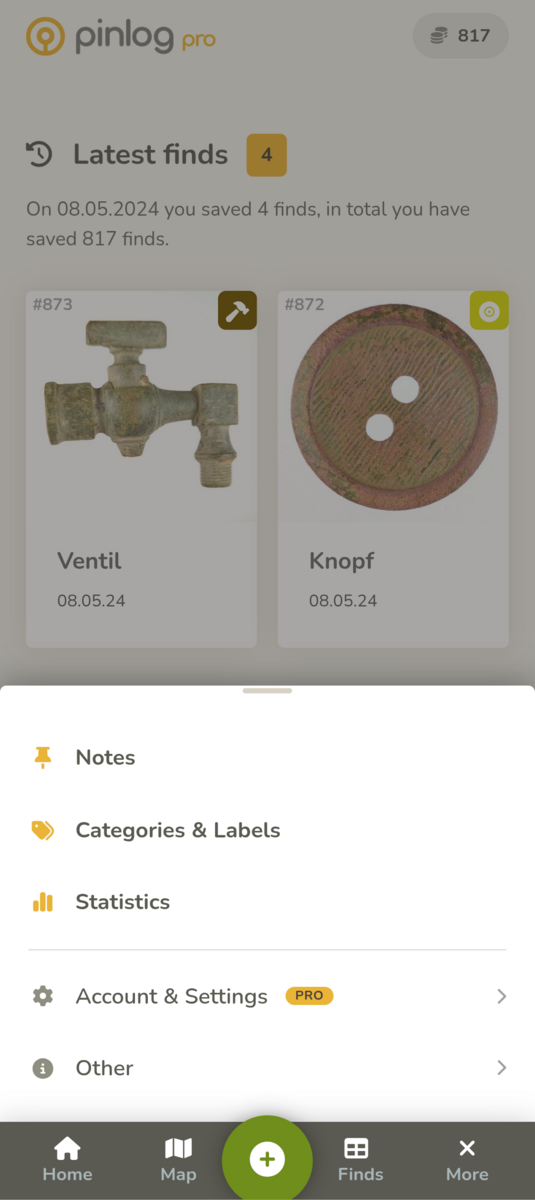

New mobile menu: everything within thumb's reach
We've improved navigation in Pinlog on mobile. Tap “More” in the bottom bar and the menu now slides up from the bottom. The bar at the top is gone, leaving more room for your map and your finds. The home screen shows at the top how many finds you have. One tap takes you to your find list.


Order in every list: one toolbar for everything
Until now the lists for finds, notes, the recycle bin, categories and labels each looked different, and the tools sat in different places. Now all lists look the same and work the same way. Sorting, grouping, switching views, exporting and filtering are in one shared toolbar. It slides away when you scroll down and comes back as soon as you scroll up a little. And you can now tap anywhere on a list entry, not just the title.
Save without a title: a photo is enough
Until now every find needed a title before you could save it. But out in the field, you may not even know yet what you've found. Now you can save a find with just a photo. Instead of a title, Pinlog then shows the inventory number every find gets automatically, in the list, on the map and in the PDF. You can add the title later, back home.
More improvements
- Faster map: If you had chosen “Never cluster” in the map settings, the map used to get sluggish as soon as lots of finds, notes or a layer with a huge number of markers were visible. Now it stays smooth.
- Straight into the app: The installed app no longer shows the website first, but goes straight to the login. If you're already signed in, you land right on your home screen. Login and sign-up are now clearer.
- Photos saved safely: Sometimes photos were not uploaded completely. That's fixed now. If a photo is missing from an older find, simply upload it again.
- Gallery or camera: On your phone, “Add photos” now opens your gallery and “Take photo” opens the camera.